Smart Mobility Gadgets for Seniors 2026: Enhancing Independence
In 2026, smart mobility gadgets are no longer niche tools; they are practical companions that help many older adults move with greater confidence. Better sensors, lighter batteries, and simpler apps have made everyday travel less tiring and less stressful. For seniors and caregivers alike, the right device can reduce friction in small daily routines. That matters because independence often depends on the ease of getting from one room, one sidewalk, or one errand to the next.
Outline
- Why smart mobility matters more in 2026 and what has improved in recent years
- The main gadget categories for seniors, with useful comparisons by need and lifestyle
- The safety and navigation features that genuinely add value in daily use
- How to choose a device based on home layout, travel habits, comfort, support, and budget
- A practical conclusion for seniors and caregivers planning for independence
1. Why Smart Mobility Matters More in 2026
Mobility is not just about transport. For many older adults, it shapes social life, confidence, physical health, and even mood. A trip to the pharmacy, a walk to the park, or the simple act of moving safely through a hallway can decide whether a day feels easy or exhausting. That is why smart mobility gadgets have become more relevant in 2026: they support movement in ways that are more adaptive, more connected, and often more intuitive than the devices many families knew a decade ago.
There is also a clear demographic reason. The world is aging. The World Health Organization has noted that by 2030, one in six people globally will be aged 60 or older. As populations age, the need for practical mobility support grows with them. At the same time, health authorities such as the CDC have repeatedly identified falls as a major cause of injury among older adults. Smart mobility devices do not eliminate risk, but they can reduce friction points by adding stability, alerts, lighting, route guidance, and in some cases emergency communication.
What changed recently is not one single breakthrough, but a cluster of improvements working together. Sensors have become smaller and cheaper. Batteries now last longer while keeping devices lighter. Touchscreens are brighter and easier to read. Voice prompts are more natural. Connectivity through Bluetooth, Wi-Fi, and embedded mobile networks allows caregivers to receive alerts without turning the device into a complicated computer on wheels.
- Large-button controls and high-contrast displays now appear on more senior-friendly devices
- Obstacle detection has improved through ultrasonic sensors, cameras, and motion tracking
- Lithium battery systems are more efficient than older lead-acid setups in many portable models
- Companion apps increasingly offer simple dashboards instead of cluttered menus
Still, the smartest feature in any gadget is good design. A cane that is uncomfortable to grip will stay in the corner. A scooter that is too heavy to load into a car will limit spontaneous outings. A walker with confusing controls may create hesitation at exactly the wrong moment. In other words, technology only helps if it fits real life.
That is the central story of 2026. Smart mobility is moving away from gadgets that merely look advanced and toward tools that quietly support daily freedom. The best devices feel less like machines and more like good companions: steady when needed, unobtrusive when not, and ready before the user has to ask twice.
2. Comparing the Main Smart Mobility Gadgets for Seniors
The phrase smart mobility gadgets covers a wide range of products, and that can make shopping confusing. A senior who needs help with balance has different requirements from someone managing fatigue, joint pain, limited walking distance, or post-surgery recovery. In 2026, the strongest options usually fall into five broad categories: smart canes, connected walkers and rollators, powered wheelchairs, mobility scooters, and wearable support systems. Each has its own strengths, trade-offs, and ideal use case.
Smart canes are often the lightest and least intrusive entry point. Many newer models include built-in LED lighting, fall detection, tilt sensing, and app-connected emergency alerts. Some add vibration cues when the user leans at an unsafe angle or approaches a stair edge. Their biggest advantage is familiarity. A cane does not feel like a lifestyle overhaul. It feels like a refined version of something many people already understand. The limitation is equally clear: a cane supports balance, but it does not solve severe fatigue or provide seated rest during longer outings.
Connected walkers and rollators are a practical middle ground. They offer more stability than canes and are especially helpful for people who need both support and the option to sit down. Smart rollators now commonly include automatic brake assistance on slopes, visibility lights for early evening walks, posture feedback, and removable control modules that track walking distance and speed. For a senior who still enjoys walking but tires more quickly, a rollator can feel like the difference between staying home and rejoining the world.
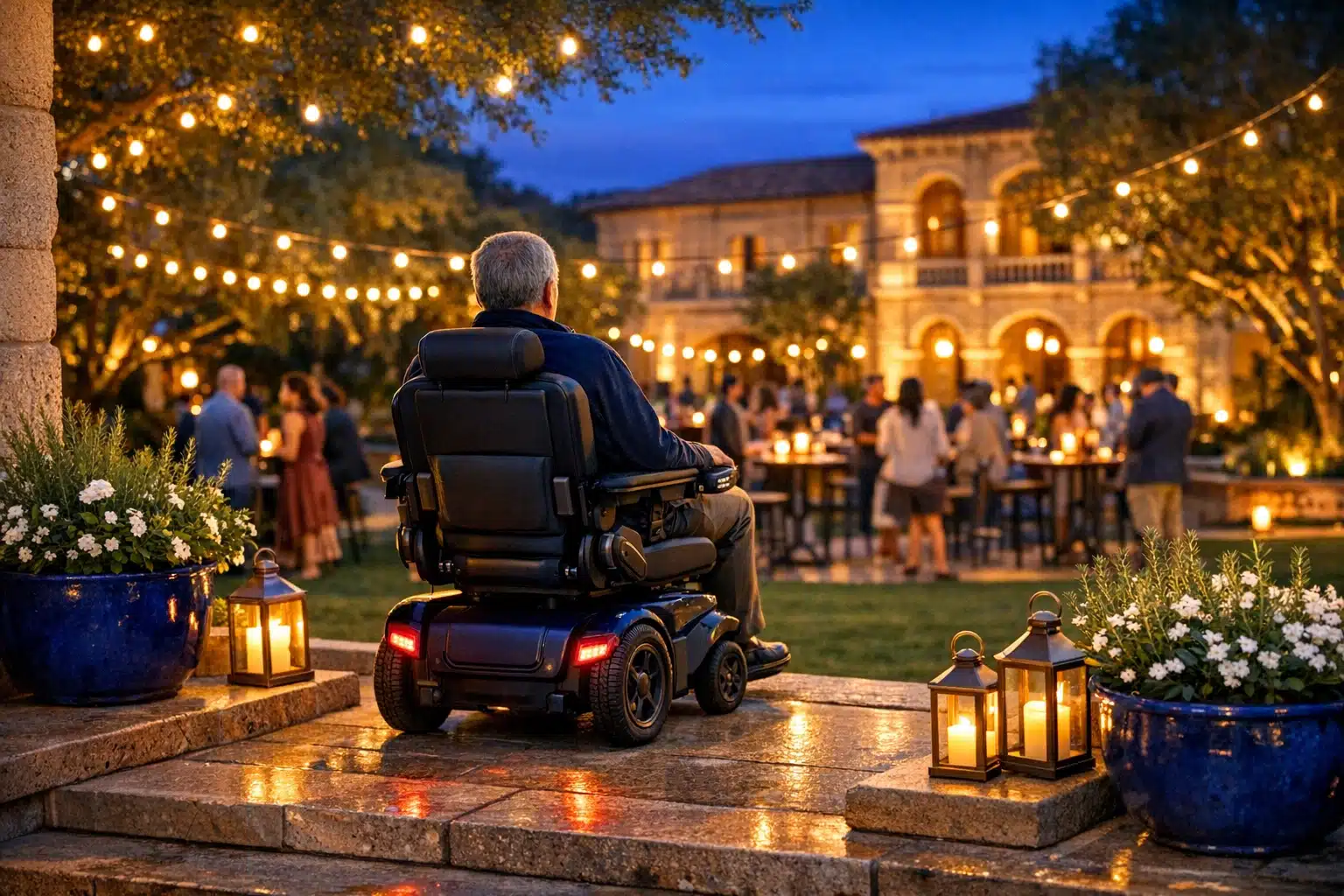
Powered wheelchairs and mobility scooters serve a different need. A powered wheelchair is usually better for users who need sustained seated support and more precise indoor maneuvering. A mobility scooter often works well for outdoor errands, shopping centers, and neighborhood travel, especially when leg strength is limited but seated posture and hand control remain adequate. Scooters generally offer longer outdoor range and a more upright, road-ready feel, while wheelchairs tend to handle tighter indoor turns more gracefully.
- Smart cane: best for mild balance support and minimal lifestyle disruption
- Rollator or walker: best for moderate support, longer walks, and seated rest
- Powered wheelchair: best for substantial mobility needs and indoor control
- Mobility scooter: best for outdoor distance, errands, and community travel
- Wearable supports: best as supplemental help, not a total replacement for core aids
Wearable systems, including sensor belts, gait monitors, and lightweight powered braces, are an emerging category worth watching. They are not as universal as canes or scooters, but they can be valuable for posture training, walking confidence, and rehabilitation support. Some provide subtle vibration feedback when gait patterns become uneven. Others collect movement data that can help clinicians or families notice decline earlier.
The smart choice is rarely the most expensive device. It is the one that fits the user’s body, home, stamina, and habits. Think of mobility tools like shoes: elegant design matters, but fit matters more. The best gadget is the one that gets used consistently, comfortably, and without dread.
3. Safety, Navigation, and the Features That Truly Matter
Manufacturers love feature lists, but seniors and caregivers usually need a simpler answer: which features actually improve day-to-day safety? In 2026, the most useful smart mobility functions tend to fall into four areas: awareness, control, communication, and visibility. Fancy extras may be pleasant, but these four categories are where practical value usually lives.
Awareness features help the user detect hazards before they become accidents. Obstacle alerts are one of the biggest advances here. Depending on the device, this may involve ultrasonic sensors, short-range radar, depth cameras, or a mix of them. On a rollator or scooter, such systems can warn the user about curbs, low objects, or furniture edges. On wearable devices, motion sensors can detect instability patterns that often appear just before a stumble. These systems are not magic, and they do not replace attention, but they can add a helpful layer of notice in busy or uneven environments.
Control features are just as important. Automatic speed reduction on declines, anti-tip design, responsive braking, and stable center-of-gravity engineering often matter more than glossy touchscreens. For scooters and powered chairs, suspension quality and wheel placement can strongly affect comfort and confidence on cracked sidewalks or thresholds. If a device feels twitchy, it may remain technically capable yet psychologically unusable. Confidence is part of safety.
Communication features are where smart mobility becomes family-friendly. Fall detection paired with an SOS button can send alerts to caregivers, emergency contacts, or call centers, depending on the service model. Geofencing can notify a family member if a user leaves a defined area, which may help in cases involving mild cognitive decline. Many devices now allow location sharing through a companion app, but it is worth noting that GPS works best outdoors. Indoors, Bluetooth beacons, Wi-Fi positioning, or ultra-wideband systems are often more reliable.
- Look for clear, loud alerts that can be heard outdoors
- Prioritize brakes, stability, and lighting before app extras
- Check whether the device works well both indoors and outside
- Ask how emergency alerts are sent and what happens if mobile service drops
- Review privacy settings for location tracking and stored movement data
Visibility features are often underestimated. Front and rear lights, reflective trim, illuminated controls, and even automatic night lighting can make a major difference. A scooter that is easy to see at dusk is safer near driveways and parking lots. A cane with a small path light can improve confidence on stairs or dim hallways. These details may sound humble, but humble details are what shape real-world safety.
One final point deserves attention: good safety features should reduce cognitive load, not add to it. If a gadget constantly beeps, requires frequent troubleshooting, or hides key settings behind a confusing app, it may create new problems while trying to solve old ones. The best systems are quiet, clear, and dependable. They are there when needed and almost invisible when not.
4. How to Choose the Right Device for Home, Travel, and Daily Life
Choosing a smart mobility gadget is part technical decision, part lifestyle planning. A device can test beautifully in a showroom and still fail in an apartment hallway, on a rural driveway, or during a supermarket trip. The smartest purchase starts with the user’s real routine rather than a product brochure. Before comparing brands or features, it helps to answer a more human question: where does movement become difficult, slow, or stressful?
Start with the home. Doorway width, flooring, thresholds, bathroom layout, and storage space all matter. A powered chair that turns elegantly in a store may struggle in a narrow kitchen. A scooter with excellent outdoor range may be too bulky for indoor parking or too heavy for a caregiver to load into a vehicle. Seniors who live in multi-level homes should also consider charging placement, lift access, and whether the device needs to be folded or transported regularly.
Then consider outside use. Urban users may need curb handling, visibility in traffic, and compatibility with elevators, public transit, or ride-share loading. Rural users may care more about battery range, tire grip, weather resistance, and stability on uneven paths. Frequent travelers should pay attention to folded size, airline or train policies, removable battery rules, and the weight of the heaviest component. A gadget that supports freedom should not become a puzzle every time the front door opens.
- Measure doorways, hallways, and trunk space before buying
- Test the device on the surfaces the user actually encounters
- Check whether spare parts, batteries, and repairs are available locally
- Ask about warranty length, service response time, and battery replacement cost
- Find out whether insurance, public programs, or community grants may cover part of the expense
Comfort is another decisive factor. Seat cushioning, grip shape, handle height, control sensitivity, and suspension quality influence whether the user feels secure after ten minutes and after an hour. If hand strength is limited, small buttons and stiff levers can become surprisingly tiring. If posture is affected by arthritis or back pain, seat geometry and adjustable supports may matter more than top speed or app integration.
Whenever possible, trial use is essential. A short test drive can reveal issues that spec sheets cannot: hesitation on ramps, awkward transfers, difficult braking, or discomfort after extended sitting. Occupational therapists, physiotherapists, mobility specialists, and rehabilitation clinics can often provide useful guidance, especially for users with complex health needs. Coverage rules differ by country and insurer, so families should verify benefits rather than assume them.
In practical terms, the right device is not the one with the most functions. It is the one that fits the body, the building, the neighborhood, and the budget without creating new burdens. When a mobility aid aligns with everyday patterns, it stops feeling like equipment and starts feeling like possibility.
5. A Practical Conclusion for Seniors and Caregivers
By 2026, smart mobility gadgets have become more capable, but the goal remains wonderfully simple: help older adults move through life with less strain and more choice. That may mean a smart cane for short walks, a rollator for community outings, a scooter for neighborhood errands, or a powered chair for reliable full-day support. The technology differs, yet the underlying value is shared. Better mobility can protect energy, support social connection, and preserve a sense of control that many people consider as important as the movement itself.
For seniors reading this, the most helpful starting point is not asking, “What is the most advanced gadget?” A better question is, “What would I like to do more easily next month?” Perhaps it is getting to a friend’s house without arriving exhausted. Perhaps it is moving around the home more safely at night. Perhaps it is returning to the local market, the library, the garden path, or the grandchild’s school event. Smart mobility works best when tied to a real goal, because goals make features easier to judge.
For caregivers and family members, a balanced mindset matters. Safety is essential, but so is dignity. A device that feels overly medical or overly intrusive may meet resistance even if it is technically excellent. Including the user in decisions about fit, comfort, privacy, and appearance can improve acceptance dramatically. Shared decision-making is not just polite; it is practical.
- Choose the smallest device that safely meets the real need
- Prioritize stability, comfort, and ease of use over novelty
- Plan for maintenance, charging, and training from day one
- Reassess needs over time, because mobility can change gradually
- Remember that independence often grows through the right support, not through doing everything alone
The future will likely bring better route coaching, stronger indoor navigation, improved predictive maintenance, and more seamless links between mobility tools and health monitoring. Even so, no gadget replaces thoughtful assessment, safe environments, and human support. Technology is a bridge, not a miracle. It works best when it quietly connects a person to the life they want to keep living.
If you are choosing a mobility solution in 2026, aim for something dependable, understandable, and suited to everyday routines. The best smart mobility gadget is not the most dramatic one. It is the one that helps a senior leave the room, cross the street, visit a loved one, or enjoy an ordinary afternoon with a little more ease. And sometimes, that modest gain is exactly what independence looks like.